External design handoff

Share Figma specs
with one link.

Publish only the frames you want. Anyone can inspect them instantly.
No Figma account, no workspace invite, no extra viewer seats.

14-day free trial·Viewers always free·No credit card

SpecPeek
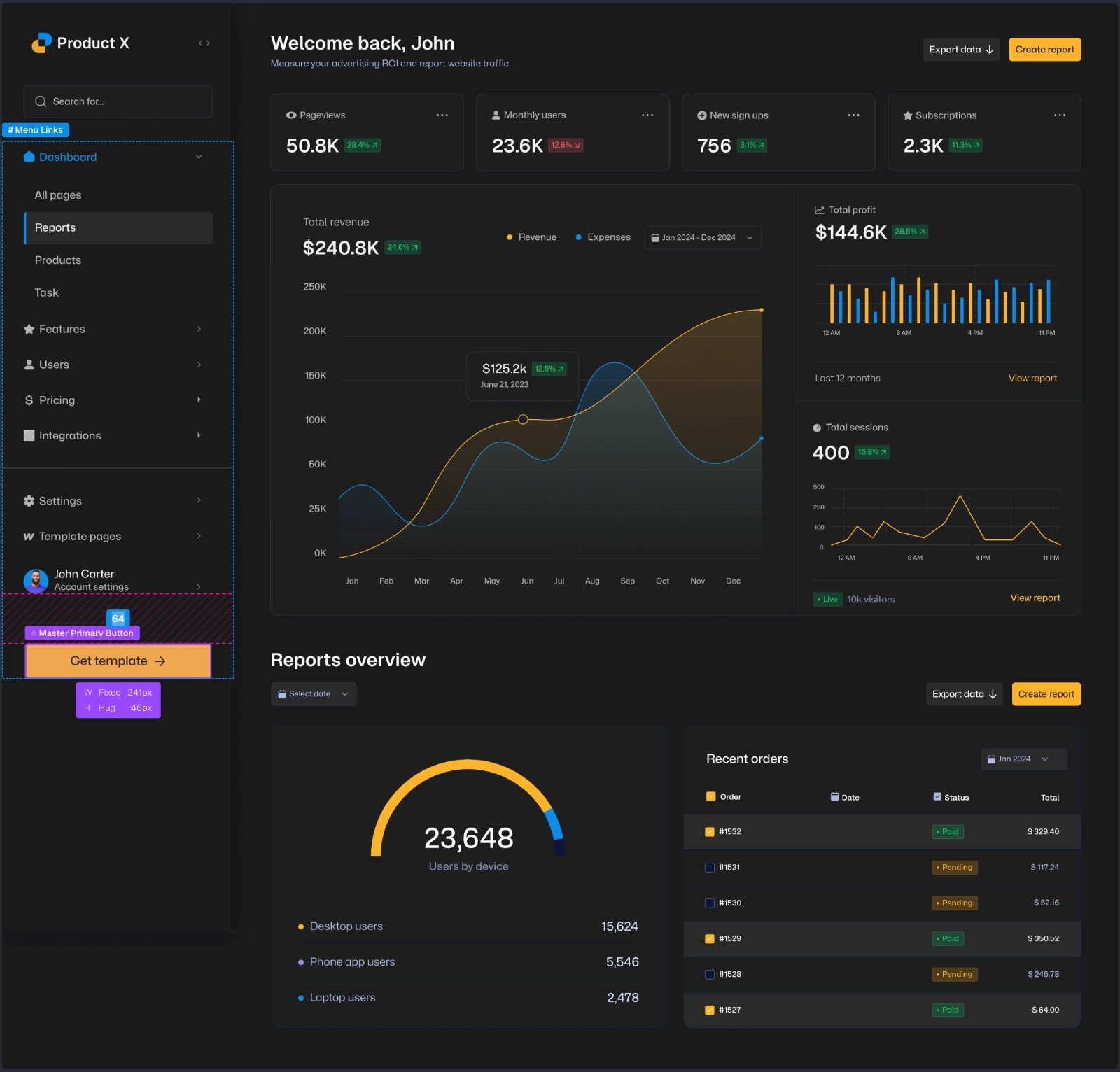
Product X Design Spec
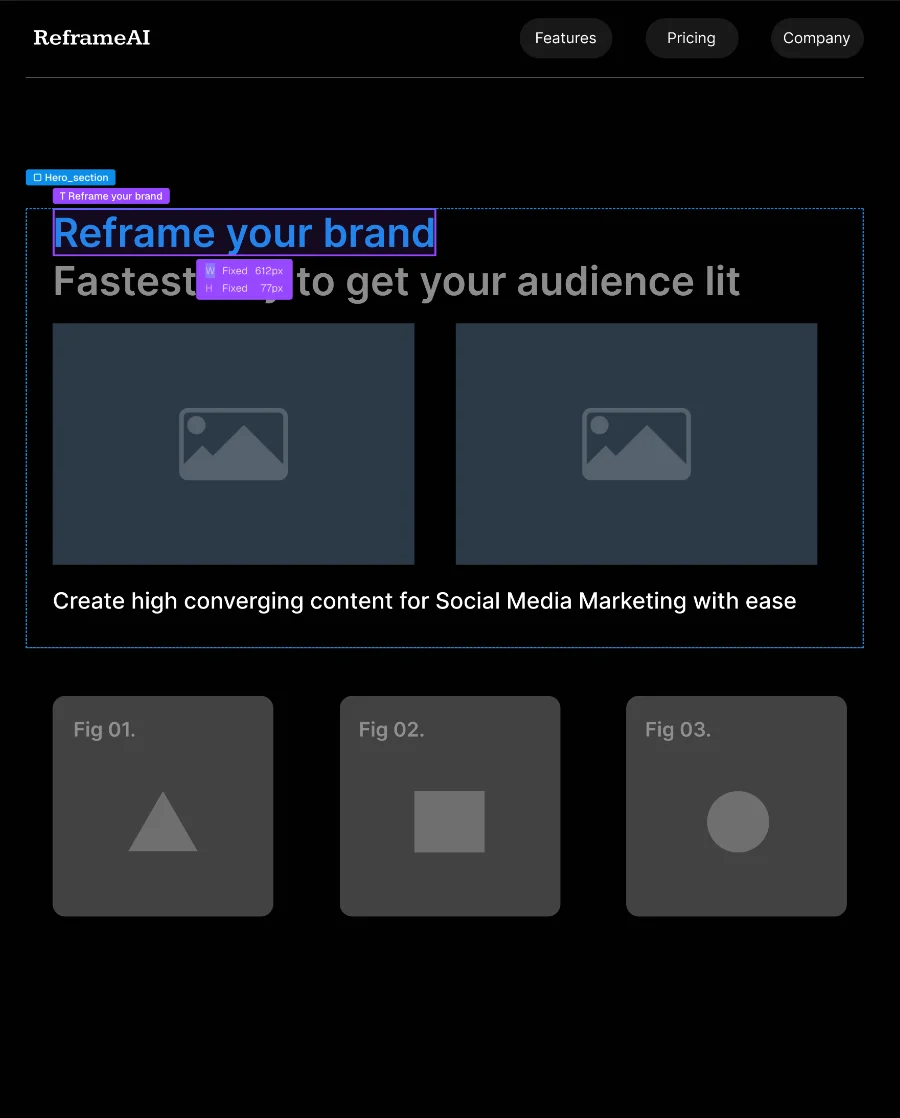
SpecPeek viewer canvas
The loop

One link between designer and developer.

01 / Publish

Publish

Select the frames you want to share from Figma. SpecPeek packages the specs and generates a link in seconds.

03 / Inspect

Inspect

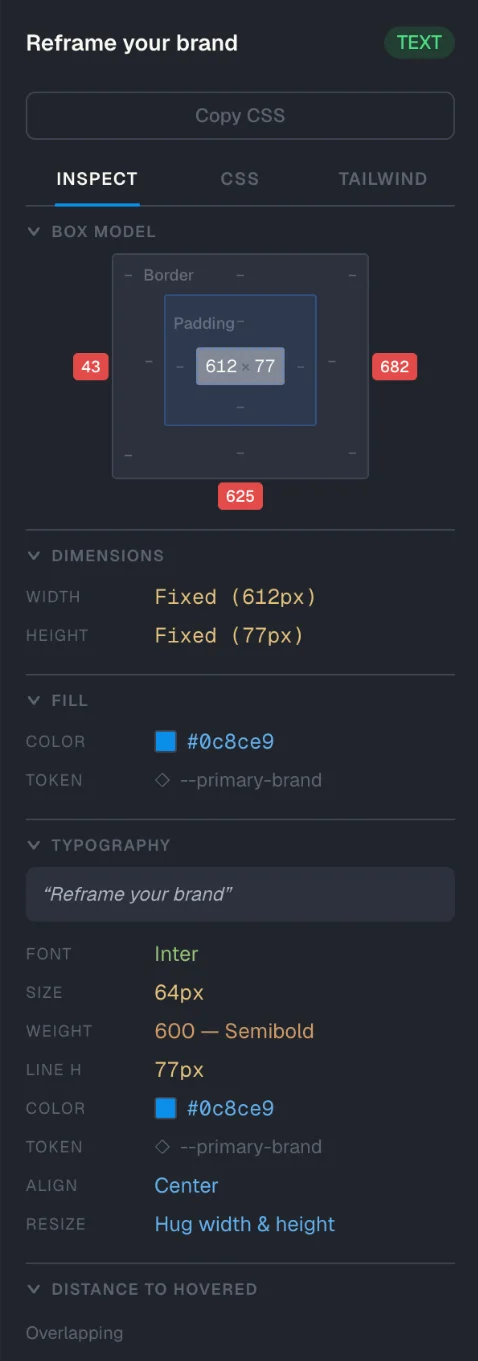
Open the link in any browser. Click elements, measure spacing, and copy CSS, Tailwind, tokens, colors, and typography — no Figma account needed.

Features

Built for the other side of the handoff.

Read every spec

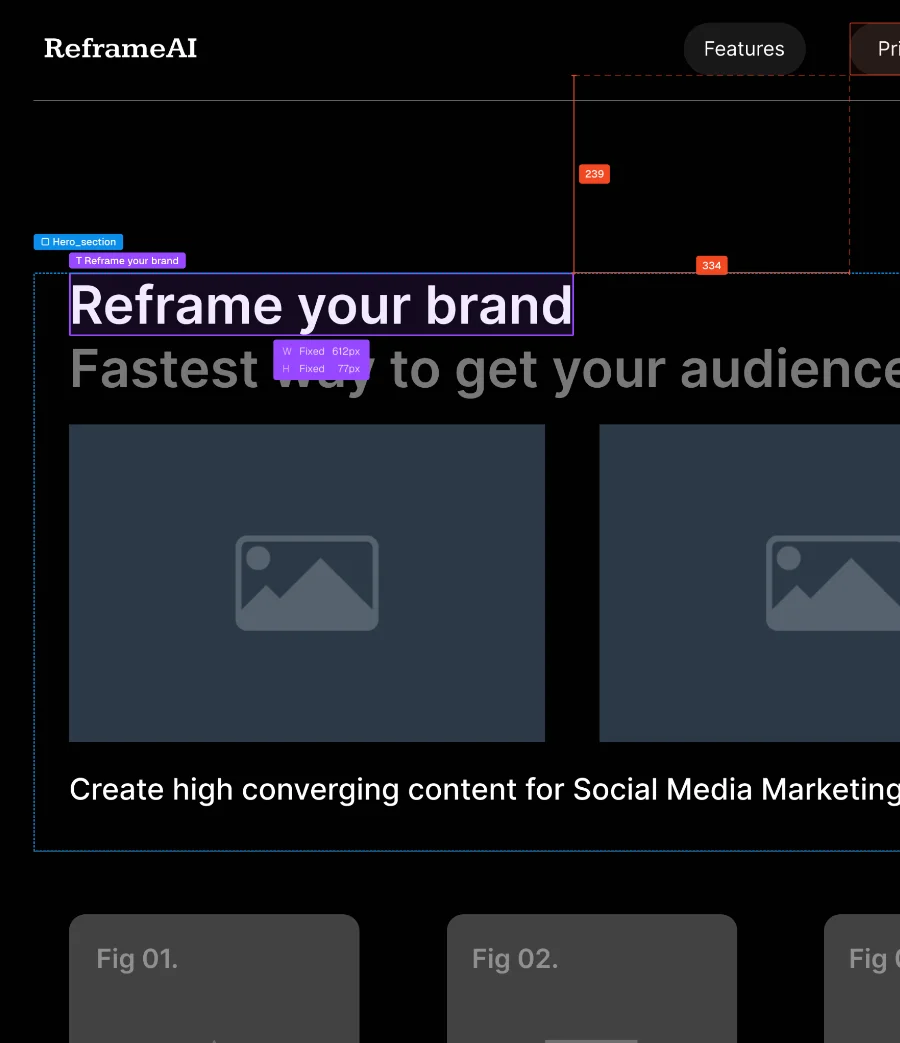
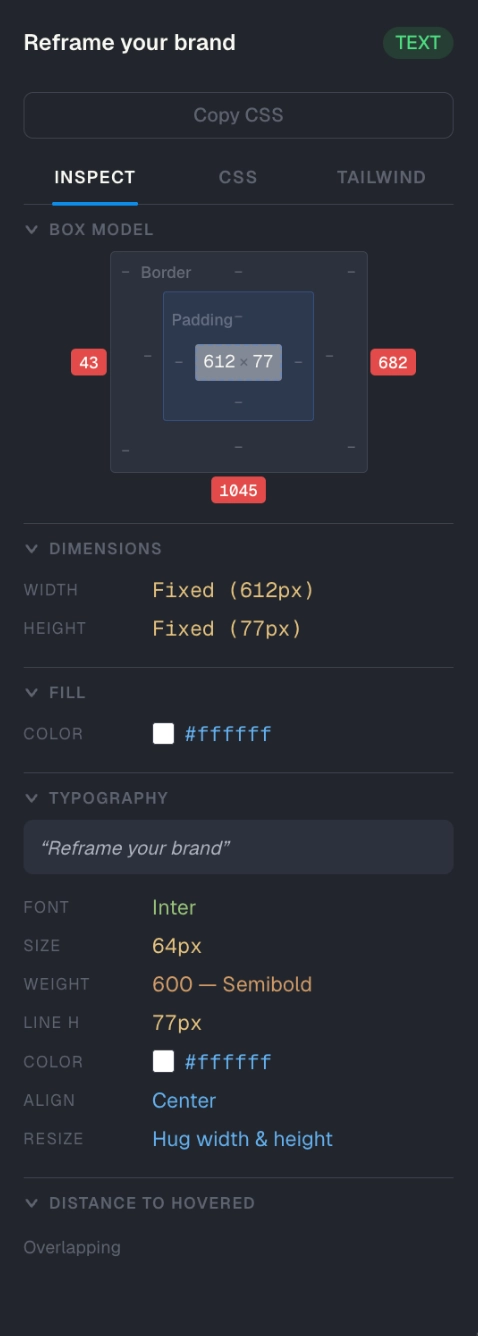
Click any element to see padding, typography, fills, effects, dimensions, and distances — every value needed to implement the design, in one scannable panel.

See what changed

Republish a frame and keep the previous version intact. SpecPeek highlights added, modified, and removed elements, with visual overlays to compare old and new designs, keeping all the history.

Copy paste-ready code

Click copy. Paste the CSS or Tailwind into your file. No hand-converting spacing, colors, or typography values.

Tokens stay tokens

Figma variables do not get flattened into static hex values. SpecPeek keeps token names like var(--primary-600) or theme.colors.primary[600], so the handoff stays aligned with your codebase.

Read every spec

Click any element to see padding, typography, fills, effects, dimensions, and distances — every value needed to implement the design, in one scannable panel.

See what changed

Republish a frame and keep the previous version intact. SpecPeek highlights added, modified, and removed elements, with visual overlays to compare old and new designs, keeping all the history.

Copy paste-ready code

Click copy. Paste the CSS or Tailwind into your file. No hand-converting spacing, colors, or typography values.

Tokens stay tokens

Figma variables do not get flattened into static hex values. SpecPeek keeps token names like var(--primary-600) or theme.colors.primary[600], so the handoff stays aligned with your codebase.

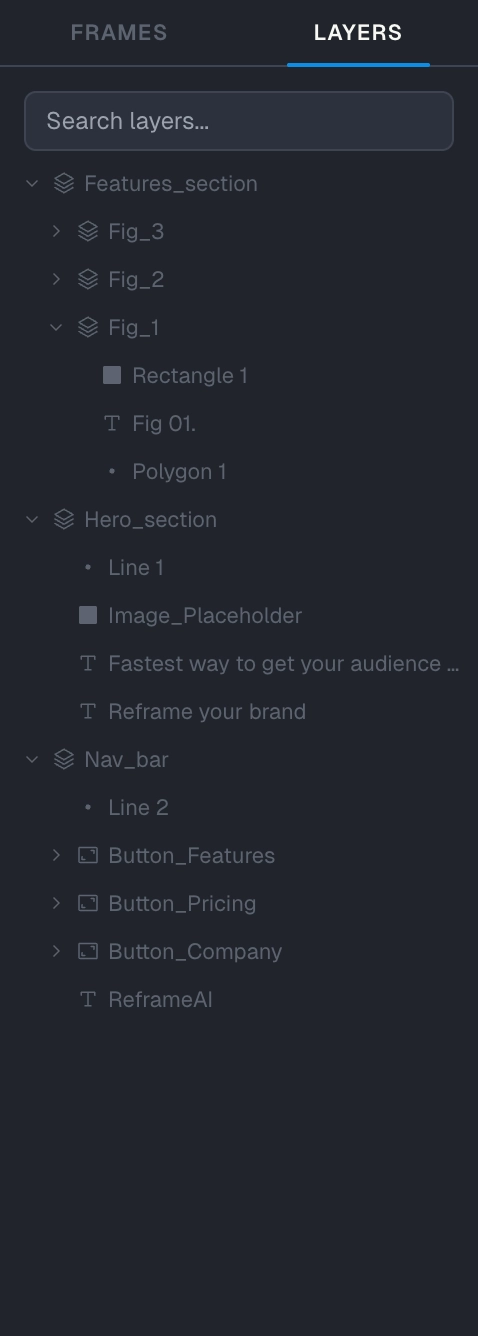
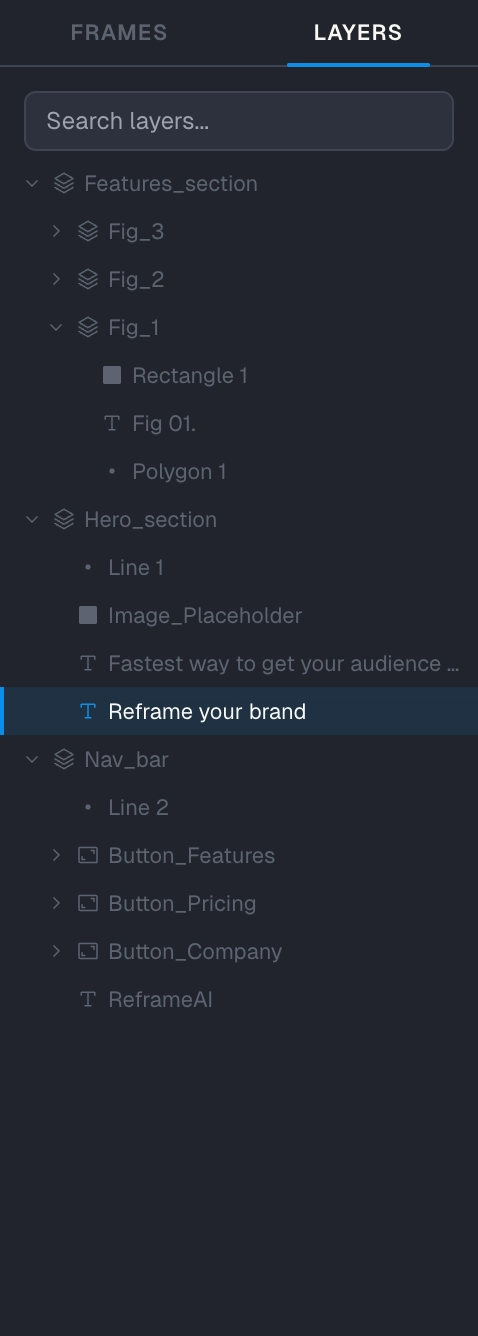
Layers panel
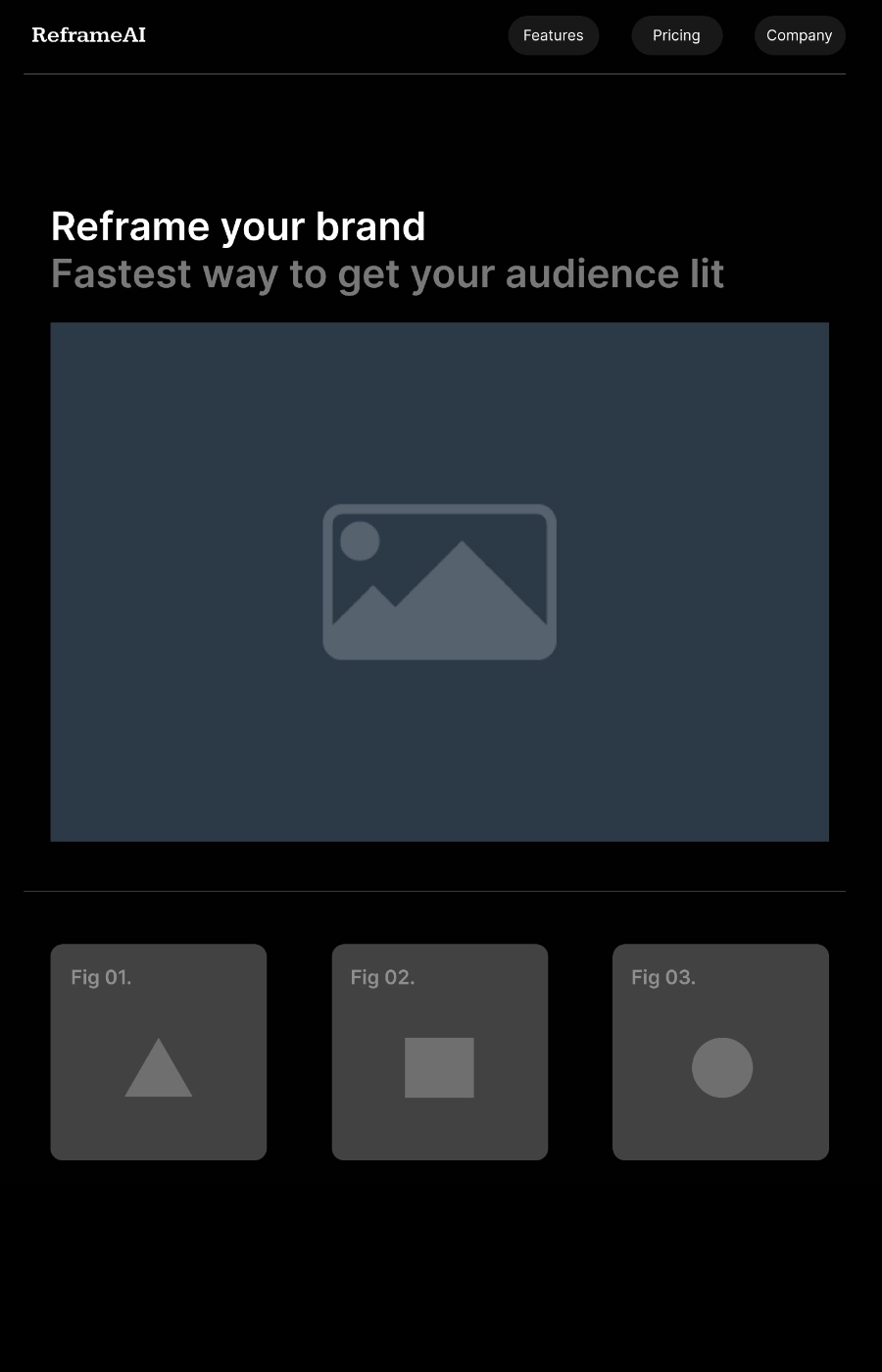
Design canvas
Properties panel
Layers panel
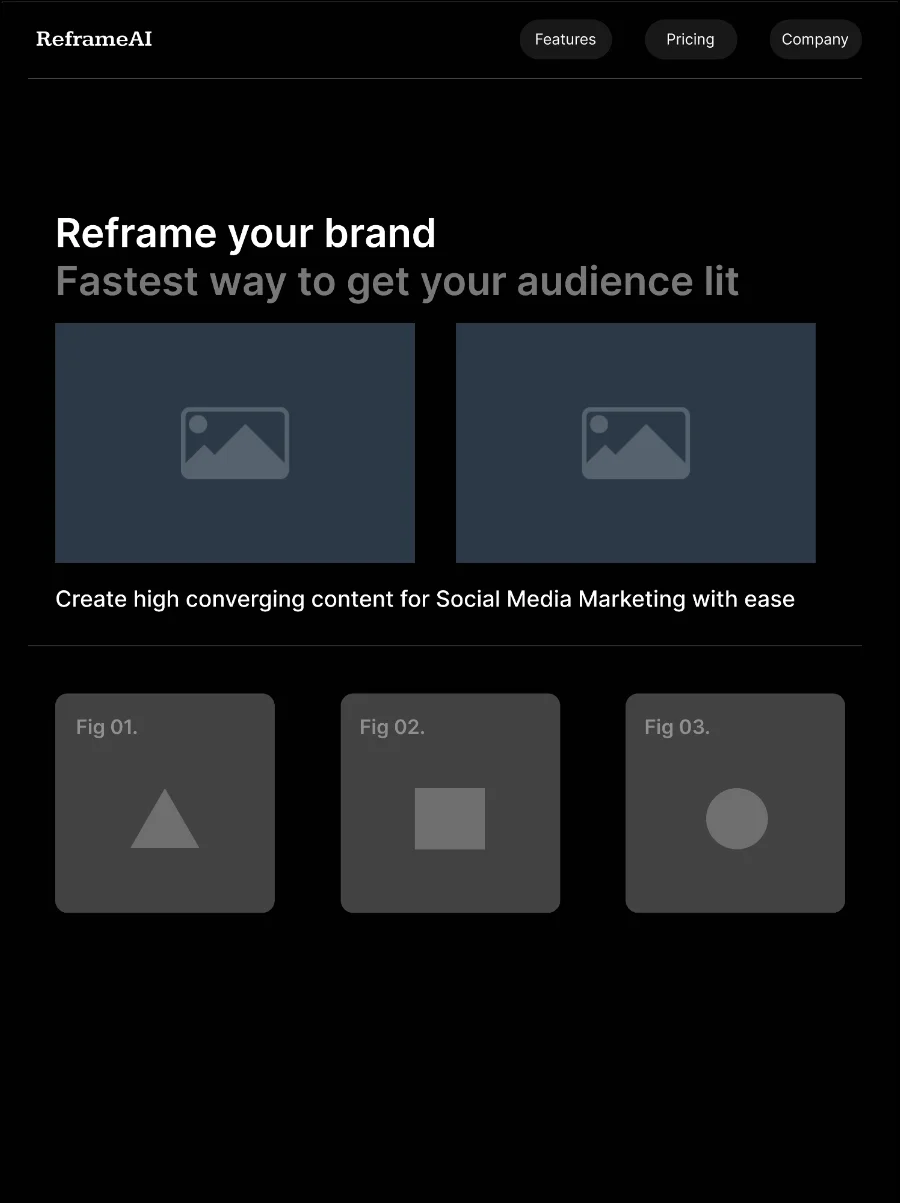
Version comparison canvas
Properties panel
Layers panel
Code output canvas
Properties panel
Layers panel
Token canvas
Tokens panel

Share outside Figma

Send one link to developers, clients, QA, PMs, or contractors. They open it in the browser — no Figma account, invite, or extra seat.

Revoke access any time

Disable a shared link from the plugin. The URL stops working, and previous viewers can no longer access the specs.

Private by design

Your spec is stored encrypted. The key lives in the link, not on our servers, so we cannot read your designs.

A note

"Stop chasing padding, spacing, and version questions in Slack. Send one link instead."

Todor Gospodinov
Todor Gospodinov Product @ SpecPeek
The math

One designer seat.
Unlimited spec viewers.

Publish specs from Figma once. Share the link with developers, QA, PMs, clients, or contractors. They inspect in the browser — without adding every handoff participant to your Figma workspace.

$15/month for the designer,

$0 for everyone opening the link.

Developers, PMs, QA, clients, and contractors inspect for free.

$15/month
Save 21%
per designer
Billed annually ($180/yr)
  • Unlimited published specs
  • Unlimited viewers per link
  • End-to-end encrypted
  • Revoke links any time
Start free trial
14-day trial · No card
Or buy a license →
FAQ

Answers before you ask.

Can SpecPeek read my designs?+

No. Specs are encrypted before upload. The decryption key stays in the URL fragment, which is not sent to our servers, so we store encrypted spec data but cannot read the design contents.

What happens to my links if I cancel my subscription?+

Existing published links keep working unless you revoke them. Cancellation stops you from publishing new specs or updating existing ones, but already shared links remain accessible to viewers.

Do viewers need an account or to install anything?+

No. Anyone with the link can open it in a browser — no Figma account, no plugin, no workspace invite, and no extra seat. They can inspect elements, copy CSS or Tailwind, and view specs like typography, colors, spacing, and tokens.

Do I need to change how I work in Figma?+

No. Keep designing in Figma as usual. SpecPeek runs as a Figma plugin: select frames, click publish, and get a shareable spec link. When the design changes, republish to update the spec.

Why not just use Figma Dev Mode?+

Figma Dev Mode is great when everyone already belongs in your Figma workspace. SpecPeek is for everyone outside it — developers, QA, PMs, clients, contractors, or anyone who needs to inspect specs without a Figma account, workspace invite, or extra seat.

Can I revoke a published link?+

Yes. Revoke a link from the plugin and it stops working. Previous viewers can no longer open the spec, even if they saved the URL.

Publish your first spec link
in 30 seconds.

Open the Figma plugin, select a frame, and share a link anyone can inspect — no login required.

Publish my first spec
14-day free trial·No credit card·Unlimited viewers